Discovery comes before identification
The scanner first needs evidence that a host exists. A device may respond to a reachability check, advertise a service, answer a DNS query or accept a connection. No single method finds everything: printers may advertise richly, while a sleeping phone may reveal almost nothing.
The evidence layers
| Evidence | Example use | Confidence concern |
|---|---|---|
| Hostname and reverse DNS | Suggests owner, role or platform | User-changeable and sometimes generic |
| Bonjour / mDNS | Reveals service types and friendly names | Only available when advertised |
| SSDP and smart-home protocols | Hints at media and IoT roles | Implementations vary |
| Open services | Distinguishes printer, NAS, router or server roles | One port can serve many products |
| HTTP and TLS evidence | May expose product or certificate identity | Shared software and proxies can confuse attribution |
| Behavior over time | Links recurring evidence across scans | Addresses and names can change |
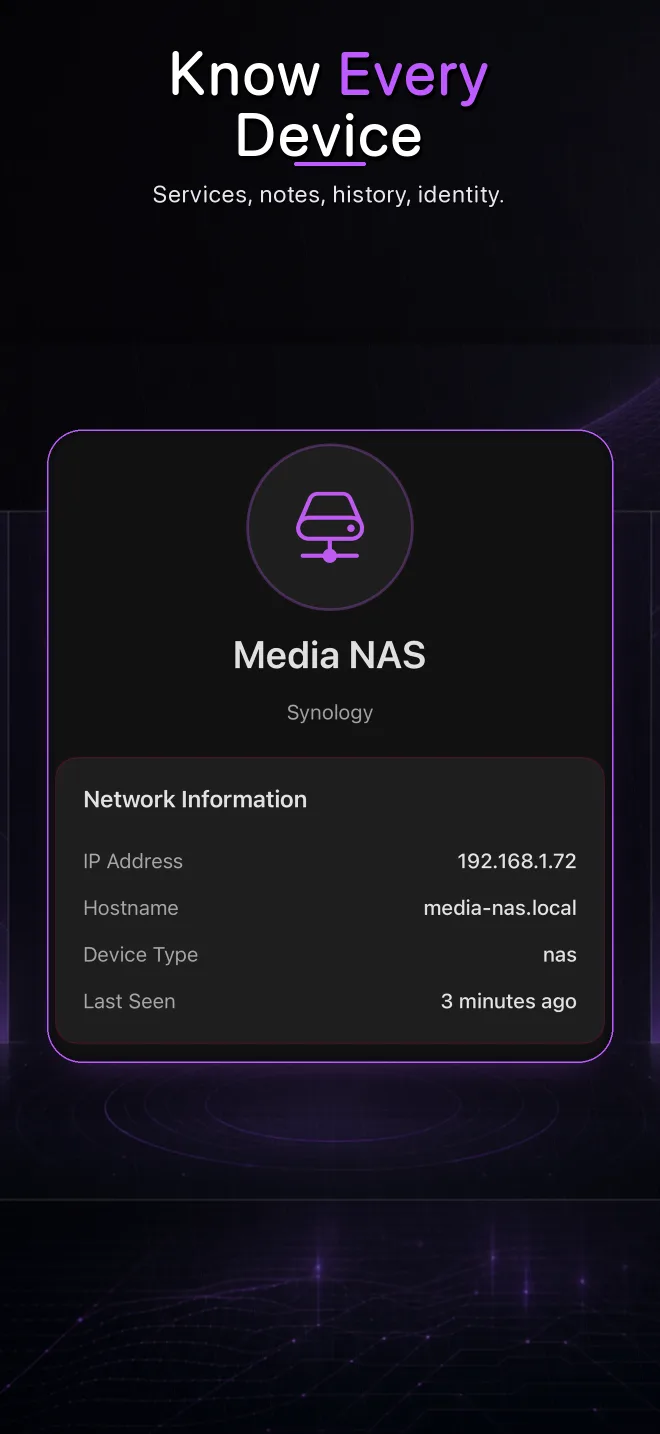
A profile is a best-supported explanation
Useful scanners retain the underlying clues rather than presenting a confident label with no explanation. That lets you decide whether the identity makes sense.
Why MAC-vendor lookup is not enough
Even on platforms where a hardware address is visible, a vendor prefix usually identifies the network-interface manufacturer, not the exact consumer product. Address randomization and private addressing further reduce its value. On iOS, third-party applications do not have unrestricted access to other devices’ MAC addresses, so scanners must use permitted network evidence.
Why identities change
A device can wake and advertise more information after the first scan. DHCP can assign a new IP. A software update can change a hostname or service. Multiple interfaces may make one physical product appear more than once until evidence is merged. Treat identification as an evolving profile rather than a permanent serial-number lookup.
How to verify an identification
- Check whether the services match the supposed device role.
- Compare the router client list and the scanner at the same time.
- Turn the physical device off and confirm that the profile disappears.
- Use a custom local label once the match is proven.
- Revisit the identity if later scans produce contradictory evidence.
See the evidence behind each device
Pynqr combines multiple local discovery sources into inspectable profiles.