Find who is connected to your WiFi
Run a local scan to see active phones, computers, TVs, cameras, routers and smart-home devices on the network your iPhone is using.
How to check your WiFi devicesSee every device connected to your WiFi, catch unknown hardware, inspect open ports, and troubleshoot with ping and traceroute. Your scan data stays on your device.
Real Pynqr screens showing device discovery, security checks, history and exports on iPhone.
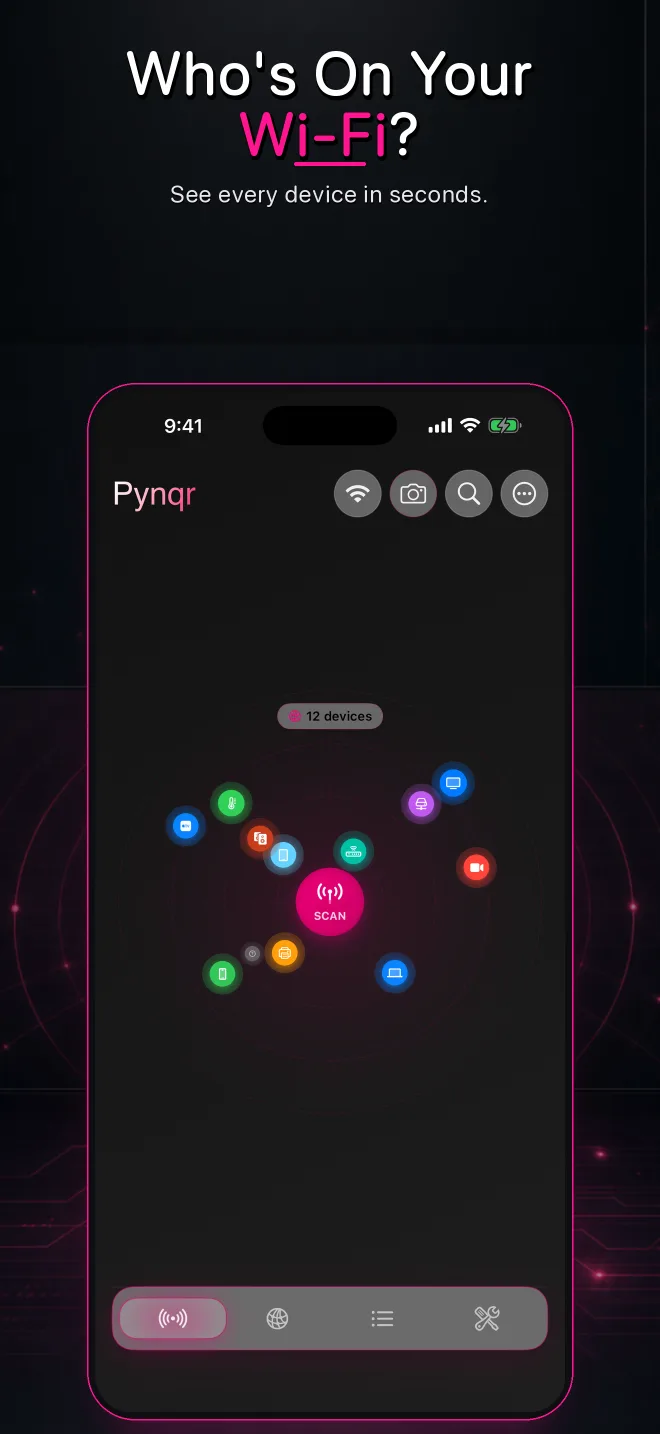
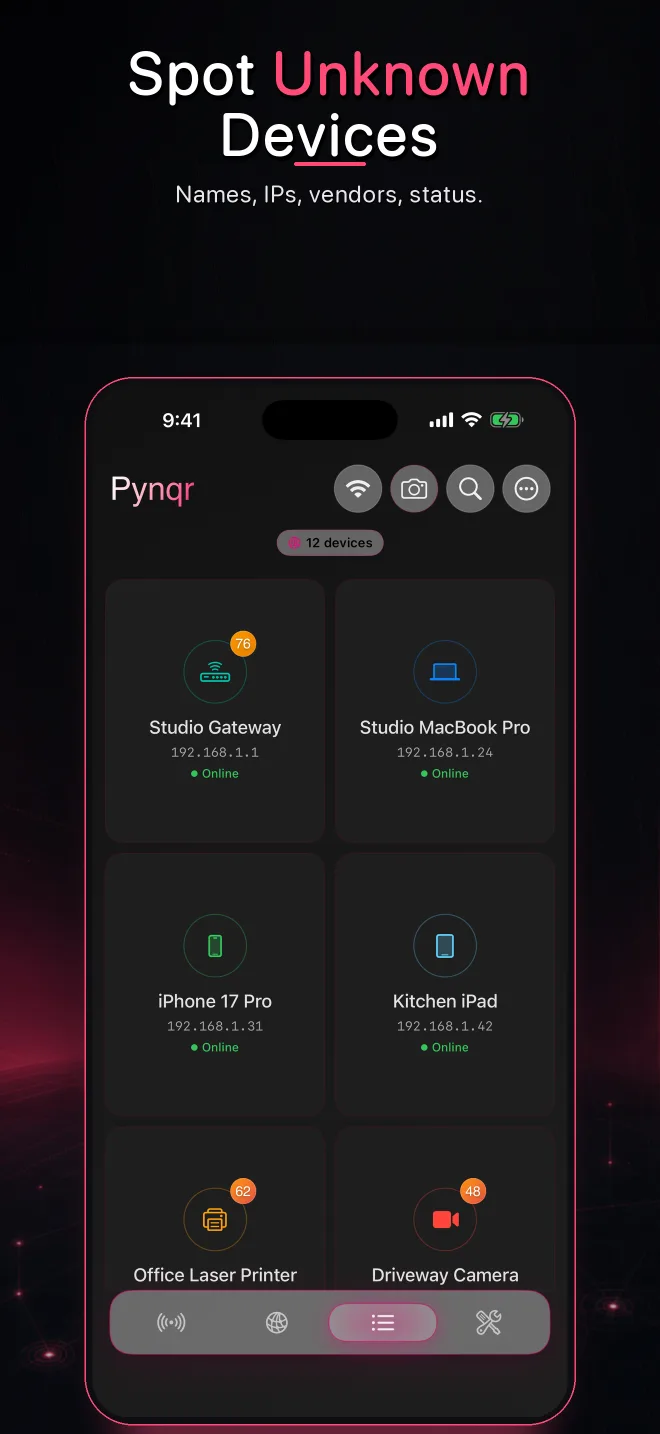
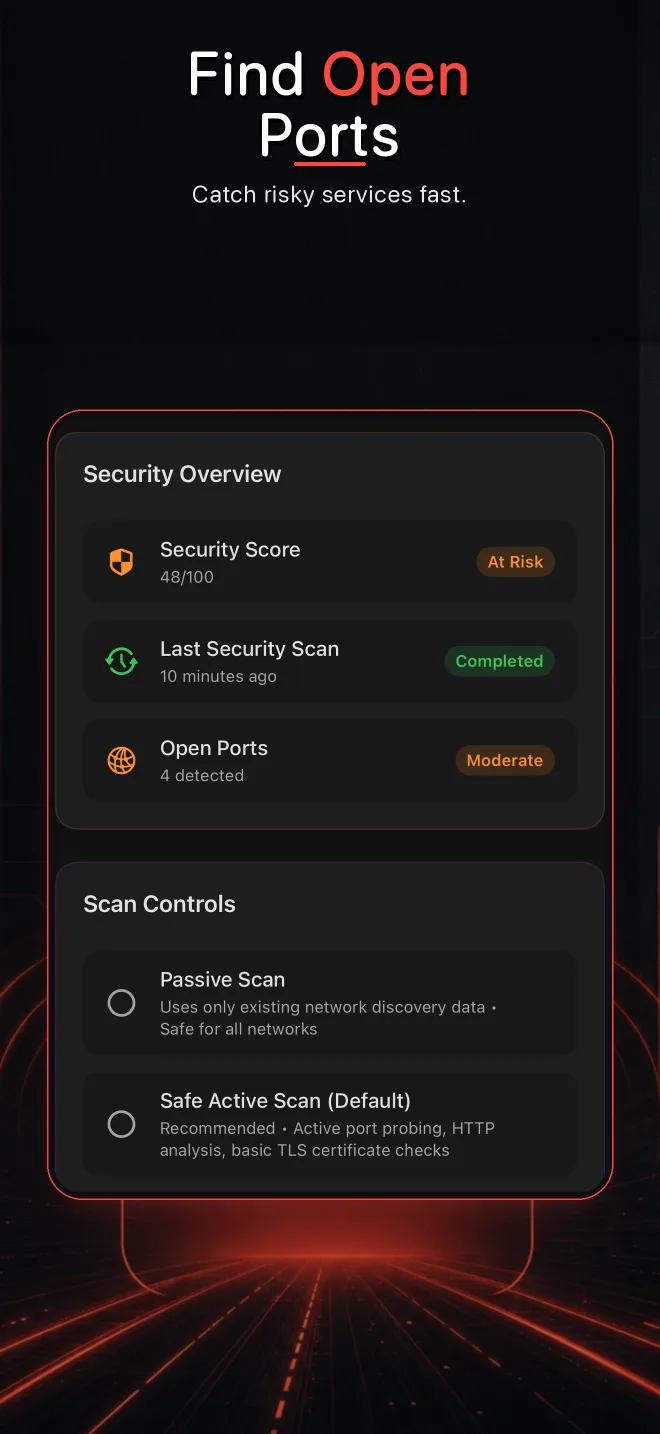
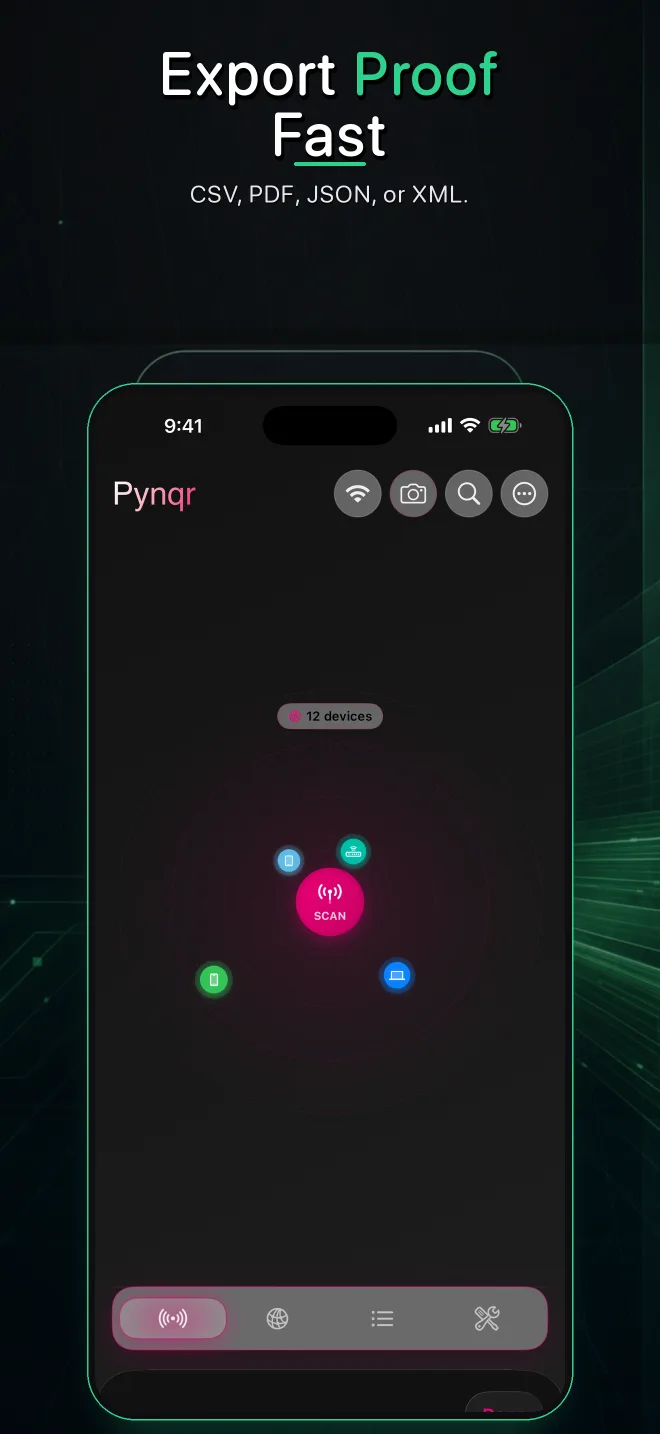
Comprehensive network discovery with professional-grade tools and security analysis
Scan using multiple discovery methods including Apple's Bonjour, network pings, and smart home protocols. The gentle scanning approach looks for reachable devices without slowing down your network.
Watch devices appear in real-time with live status updates and connection tracking.
Scans are processed and stored on your iPhone. No account needed, and optional analytics never include scan data.
Combine hostnames, manufacturers, advertised services, and other network signals to identify devices more confidently.
Each device gets a score based on open ports, risky services, certificate problems and known-vulnerability checks.
Export your scans to CSV, JSON, PDF, or XML. Perfect for documentation and audits.
Industry-standard tools with a beautiful, intuitive interface
Test connectivity with customizable parameters including packet count, interval, timeout, and payload size. Supports both IPv4 and IPv6 addresses with detailed latency statistics.
Trace the path your packets take to any destination. Supports up to 64 hops (30 by default) with optional hostname resolution and detailed timing for each hop.
Pynqr looks up the names devices announce on your network, so you see "living-room-tv" instead of a bare IP address.
Deep inspection of TLS certificates with vulnerability detection. View certificate chains, expiration, and security issues at a glance.
Scan devices for open ports and running services. Service banners help you see what is actually listening and which ports deserve attention.
Advanced security analysis keeps your home and office network protected
Automatically identify suspicious devices and potential security risks on your network.
Flag services that match well-known, high-impact vulnerabilities such as Heartbleed and Log4Shell.
Compare recent device behavior with prior observations and flag patterns that deserve a closer look.
Export PDF, CSV, JSON or XML reports for troubleshooting and documentation.
Everything listed here is in the current version of Pynqr.
| Feature | Pynqr |
|---|---|
| Scan data processed and stored on your iPhone | |
| Ping and traceroute built in | |
| TLS certificate inspection | |
| IPv6 support | |
| Evidence-based device identification | |
| Exports | CSV, JSON, PDF, XML |
| Bonjour, SSDP and ping discovery | |
| No account required |
Go from “what is that device?” to a useful answer without sending your network inventory to a cloud scanner.
Run a local scan to see active phones, computers, TVs, cameras, routers and smart-home devices on the network your iPhone is using.
How to check your WiFi devicesUse the IP address, hostname, advertised services and device details as clues before deciding whether a device belongs on your network.
Identify an unknown deviceInspect reachable ports and service evidence, then focus on unexpected remote-access, administration or legacy protocols.
Use an IP and port scannerCombine ping and traceroute to separate reachability problems from route problems.
Troubleshoot from iPhoneThe IP Cameras filter lists camera-like devices on the network you joined, such as in a rental. Cameras that are not on that network cannot be detected.
Find cameras on WiFiWork through your devices, router settings and exposed services with a practical checklist.
Review the security checklistClear explanations of what iOS network scanners can see, what they cannot see and how to interpret the results.
Yes. After you grant Local Network permission, an iPhone app can discover reachable devices and services on the WiFi network it has joined. iOS does not give third-party apps unrestricted access to every radio-level WiFi detail.
No. Device discovery, scan history, tags, reports and diagnostics are processed and stored on your device. Purchase validation and optional analytics are separate from your local scan inventory.
Pynqr can find cameras that are connected to the same WiFi network as your iPhone. The IP Cameras filter lists devices identified as cameras, doorbells or video recorders. It cannot detect cameras on another network, cameras with their own cellular connection or cameras that only record to a memory card.
Pynqr helps identify and investigate devices. Blocking or removing a device must be done through your router or access-point settings because the router controls network access.
A network scanner finds devices and services on the local network. A radio-frequency WiFi analyzer measures nearby access points, channels and signal conditions. iOS limits the radio-scanning capabilities available to ordinary App Store apps.
Pynqr currently includes one network scan per day, device information, ping and traceroute, one CSV export and five saved history entries. Store offerings and local prices are shown before purchase.
Useful network discovery is free. Pro unlocks deeper analysis and unlimited workflows.
Pynqr is now available on the App Store.
App Store