What a WiFi scan can and cannot find
Most consumer security cameras stream video over WiFi. While they are connected, they behave like any other device on the network: they have an IP address, and many announce themselves with a name, a manufacturer or a video service. A network scanner on your iPhone can see those signals.
| Camera type | Visible to a WiFi scan? |
|---|---|
| WiFi camera on the network you joined | Usually yes, if it is powered on and reachable |
| Camera on a separate network (for example a hidden second WiFi or a wired-only system) | No |
| Camera with its own cellular connection | No |
| Recorder that only saves to a memory card | No |
| Camera on a guest network that isolates devices | Often not |
So a scan that finds no cameras lowers the odds, but it does not prove a room is camera-free. Combine it with the physical check further down.
How to check for cameras with your iPhone
- Join the WiFi you want to check. A scan only covers the network your iPhone is connected to. In a rental, that is usually the WiFi from the house manual.
- Allow Local Network access. iOS asks for this permission before an app can talk to devices on the network.
- Run a full scan. Keep the app open until discovery finishes, so sleeping devices have a chance to respond.
- Filter for cameras. In Pynqr, the IP Cameras filter shows devices identified as cameras, doorbells or video recorders.
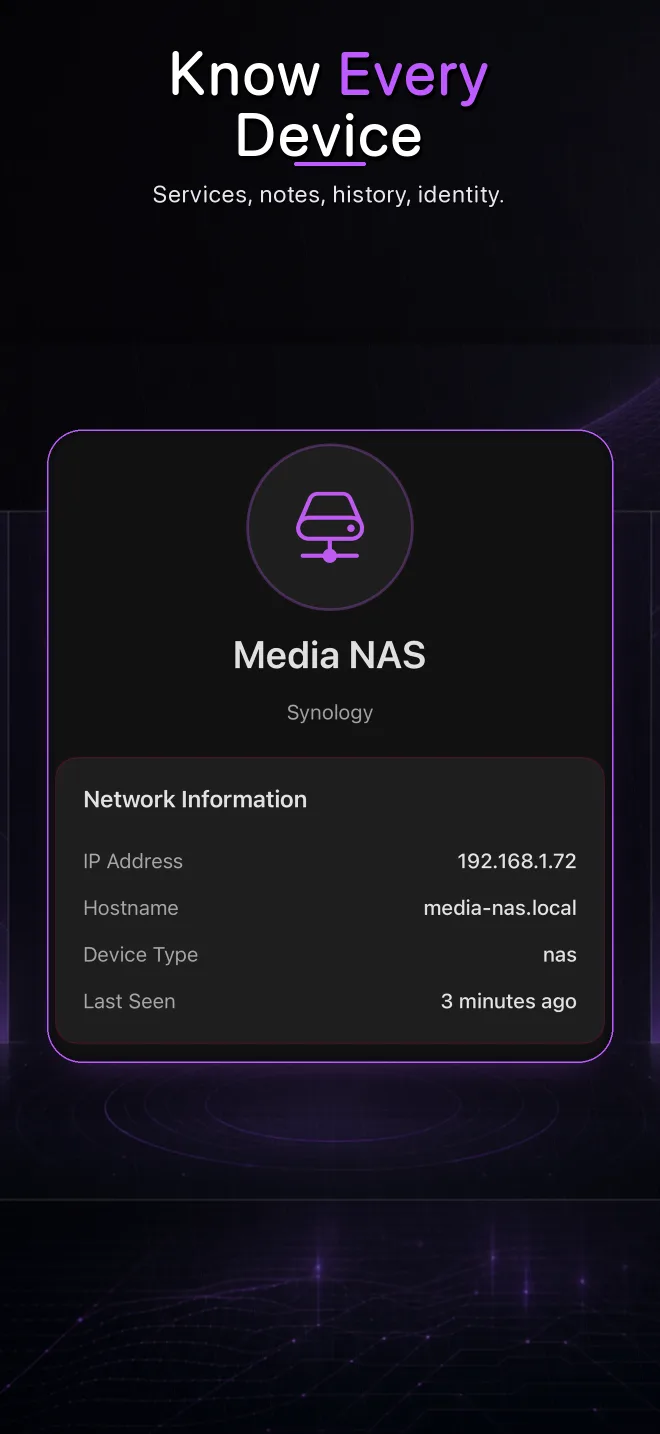
- Open anything that looks like a camera. Check its name, manufacturer, open ports and services. RTSP on port 554 or 8554 is the classic video-streaming port; a web interface on port 80 or 443 is common too.
- Look at the unknown devices too. A camera that hides its name can still show up as an unidentified device with video-related ports open.
Signals that point to a camera
- A device type such as camera, doorbell, NVR or DVR
- A manufacturer that mainly makes security cameras
- A name containing words like cam, ipc or doorbell
- RTSP (port 554 or 8554) or ONVIF services
- A web interface whose title mentions a camera or recorder
Do a quick physical check as well
Because a WiFi scan cannot see every camera, finish with a few minutes in each room:
- Turn off the lights and slowly sweep the room with your iPhone flashlight. Camera lenses reflect light back as a small, bright dot.
- Look closely at objects that face the bed, shower or seating areas: smoke detectors, clocks, chargers, speakers, picture frames and air purifiers.
- Check for small holes, unexpected status lights and cables that lead nowhere.
- Note any device you cannot explain, then compare it with what the scan showed.
Cameras that are allowed and cameras that are not
A doorbell or an outdoor camera covering an entrance can be legitimate, especially when the host discloses it. Cameras in private spaces such as bedrooms and bathrooms are a different matter: rental platforms commonly forbid them, and in many countries they are illegal. Check the listing and the platform's rules for what has been disclosed.
If you find a camera you did not expect
- Document it. Take photos of the device and a screenshot of the scan result, including its name and IP address.
- Do not break into it. Don't try to log in to the camera or disable it through its software. That can be illegal, even when the camera itself shouldn't be there.
- Report it. Contact the host, the hotel or the rental platform. If you think the law has been broken, contact the local police.
- Protect yourself meanwhile. Cover an indoor camera's lens or move to another room or property if you feel unsafe.
Frequently asked questions
Can my iPhone detect hidden cameras?
Your iPhone can detect cameras that are connected to the same WiFi network, using a network scanner app. It cannot detect cameras on other networks, cameras with their own cellular connection, or cameras that only record to a memory card. Use a physical check with the flashlight for those.
Do I need the WiFi password to find cameras on a network?
Yes. A local scan only works on a network your iPhone has joined. Without access to the network, a scanner cannot see the devices on it.
Is a free network scan enough to check a rental?
One scan of the rental's WiFi is a useful first check. Pynqr includes one free scan per day, and the IP Cameras filter is part of the free version. Because a scan cannot see every camera, combine it with a physical check of the rooms.
Which port do security cameras use?
Many IP cameras stream video over RTSP, usually on port 554 or 8554, and offer a web interface on port 80 or 443. These ports are a strong hint, but not proof: other devices use some of them too.
Check the WiFi where you stay
Pynqr's IP Cameras filter lists camera-like devices on the network you joined. Your scan results stay on your iPhone.