IP scanning and port scanning are different
A local IP range contains addresses that may be assigned to phones, computers, routers and smart-home equipment. Discovery combines reachability checks with service advertisements because some devices ignore traditional echo requests. After identifying a host, a TCP port scan tests selected connection endpoints.
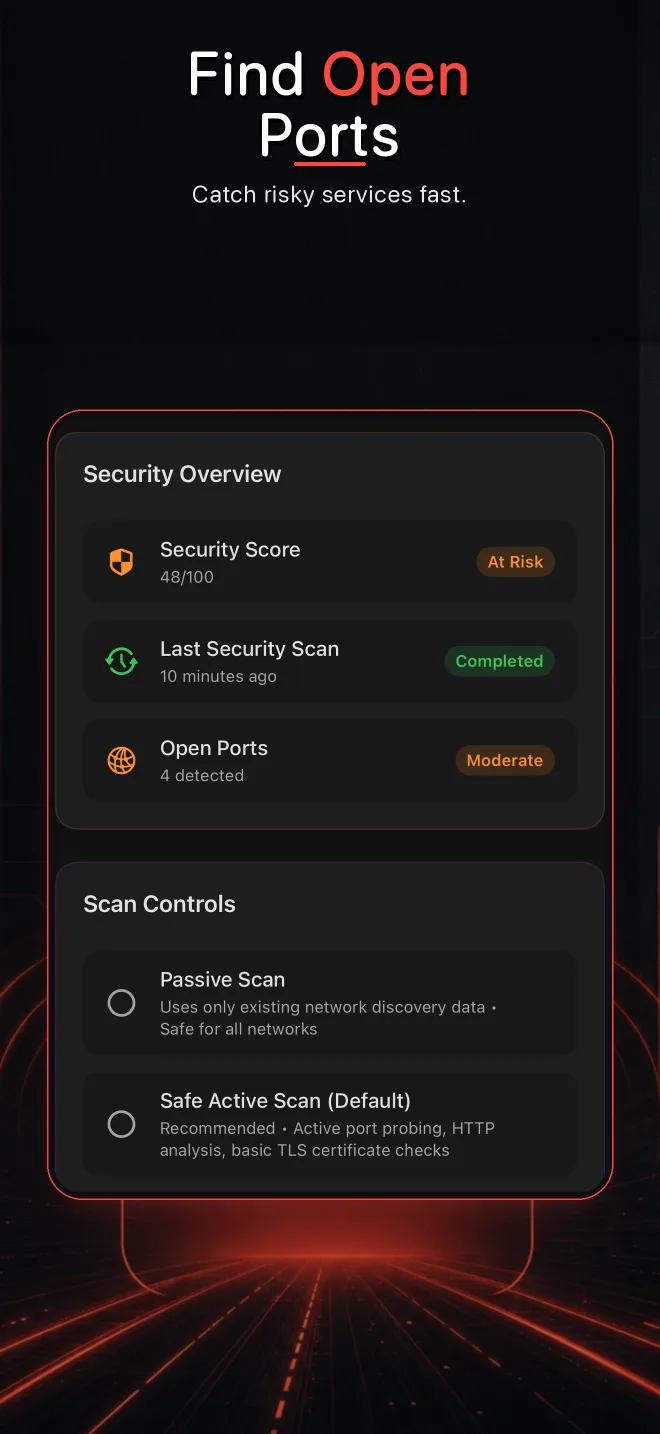
Interpret context, not just numbers
Port 443 may be an expected HTTPS administration page on a router. Port 22 may be normal on a managed server and surprising on a consumer camera. The device’s purpose changes the conclusion.
What common results mean
| Result | Meaning | Next question |
|---|---|---|
| Open | A connection was accepted | Is the service expected, authenticated and updated? |
| Closed | The host responded but no service accepted | Was the service stopped or moved? |
| Filtered/timeout | No decisive response arrived | Is a firewall, isolation rule or sleeping device involved? |
A safe workflow
- Confirm that you own or are authorized to test the device.
- Discover the host and verify its current IP address.
- Start with a limited set of common ports rather than the broadest possible scan.
- Match each open port to an expected service and device role.
- Disable unused services through the device’s supported settings.
- Update firmware and prefer encrypted administration protocols.
What to investigate first
Unexpected remote administration, unauthenticated dashboards, legacy plaintext protocols and services exposed by an IoT device deserve attention. A scanner cannot determine every software version or guarantee exploitability, so confirm findings in the vendor interface and documentation.
Inspect local devices from iPhone
Pynqr combines discovery, service evidence and focused port scanning.